Job Titles

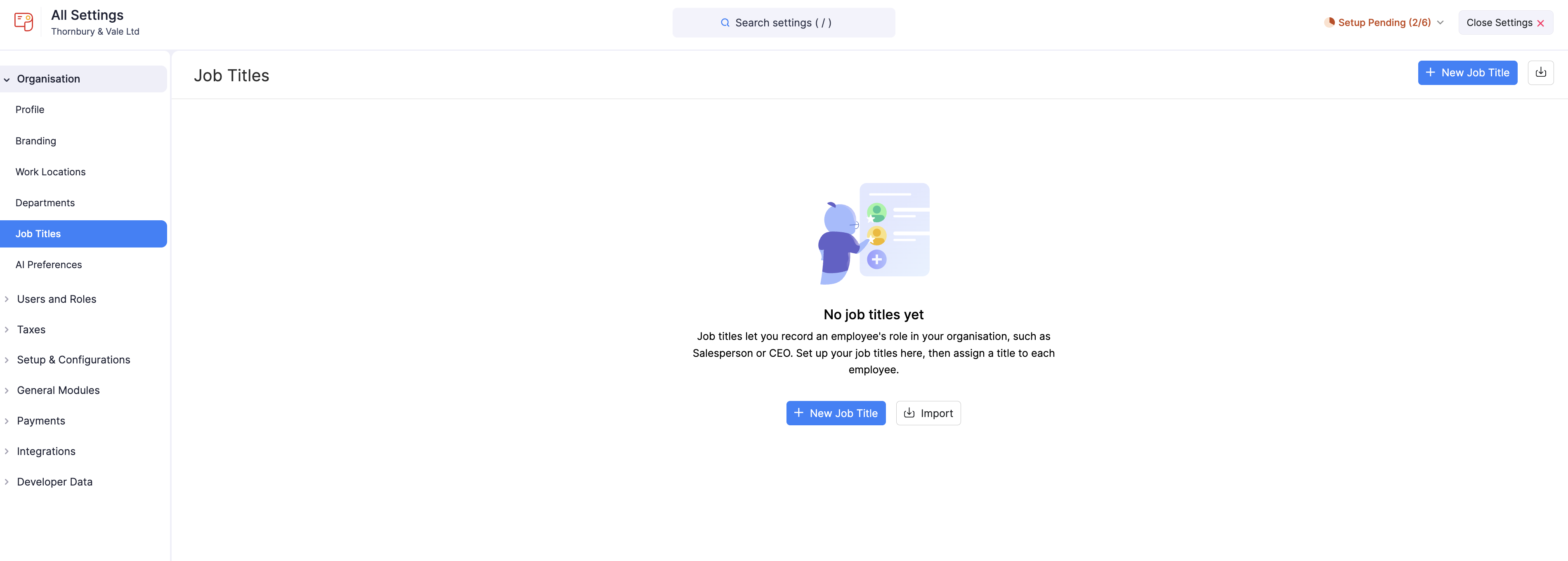
Job titles let you record the role each employee holds in your organisation, such as Salesperson or Chief Executive Officer. Set up your job titles here, then assign a title to each employee.
When you record employees’ job titles, you can:
- Generate reports that break down payroll data by job title.
- Carry out tasks such as salary revisions and exit processes more easily.
Scenario:
A technology company may have multiple job titles within its engineering department, such as “Software Engineer”, “Senior Software Engineer”, and “Software Architect”. By assigning each employee to their job title, the company can generate reports that break down payroll expenses by job title.
This can help with decisions about salary adjustments and promotions. For instance, if the “Senior Software Engineer” job title consistently has higher payroll expenses, the company may choose to review salaries or offer promotions to retain talent.
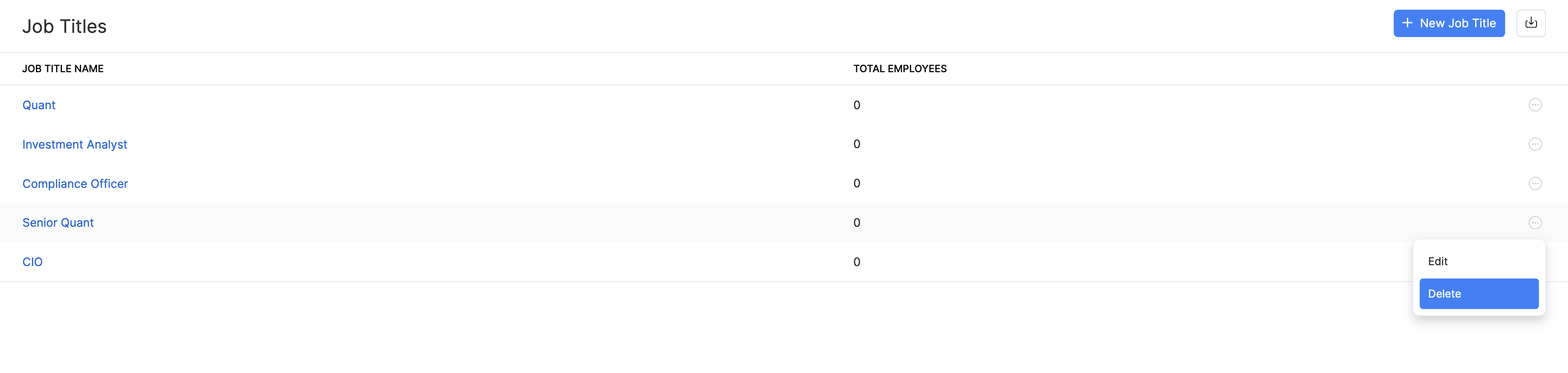
Once you’ve added job titles, the list shows each title and the Total Employees assigned to it. You can use this count to see at a glance how your workforce is distributed across roles.
Create a Job Title
To create a job title:
- Go to Settings and click Job Titles under Organisation.
- Click + New Job Title.
- In the popup that appears, enter the name of the job title.
- Click Save.
Once you create a job title, you can assign it to an employee while adding or editing them.
Import Job Titles
If you have a large number of employees or frequently update roles, you can import job titles in bulk to save time and ensure accuracy.
To import job titles:
- Go to Settings and click Job Titles under Organisation.
- Click Import.
- Upload your file as a CSV (Comma Separated Values), TSV (Tab Separated Values), or XLS (Excel Spreadsheet), select the character encoding for your file, and click Next.
- Map the relevant fields and click Next.
- Preview the import data and click Import.

The job titles from your file will be imported, and you can then assign them to employees.
Edit a Job Title
To edit a job title:
- Go to Settings and click Job Titles under Organisation.
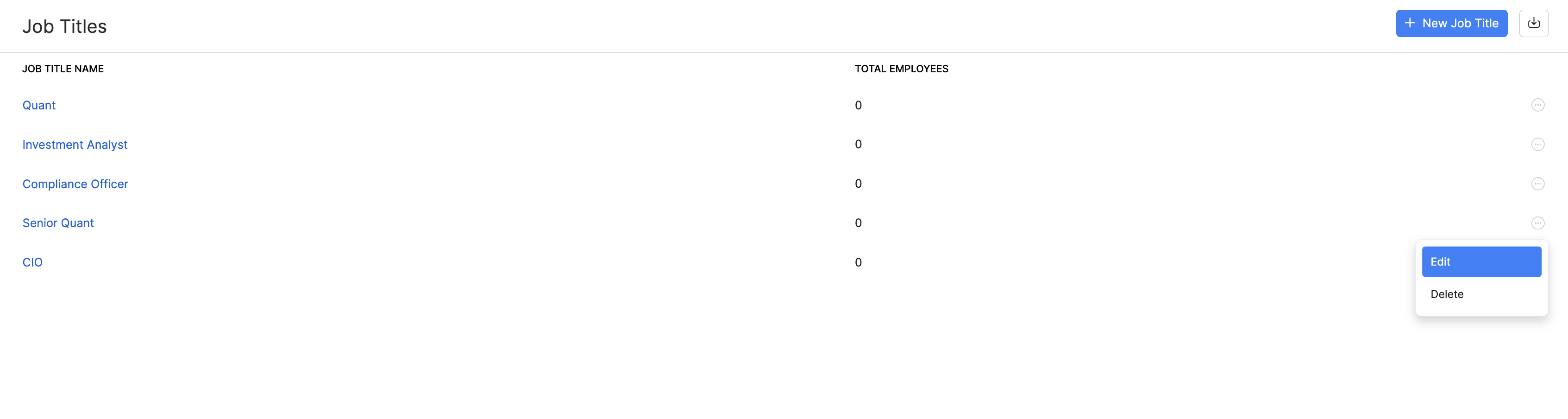
- Hover over the job title you want to edit and click the More icon next to it.
- Click Edit and make the necessary changes.
- Click Save.
Delete a Job Title
You can delete job titles you no longer need.
Prerequisites: You can delete a job title only when no employees are associated with it.
To delete a job title permanently:
- Go to Settings and click Job Titles under Organisation.
- Hover over the job title you want to delete and click the More icon next to it.
- Click Delete.
- In the confirmation popup that appears, click Yes.