Reports Centre

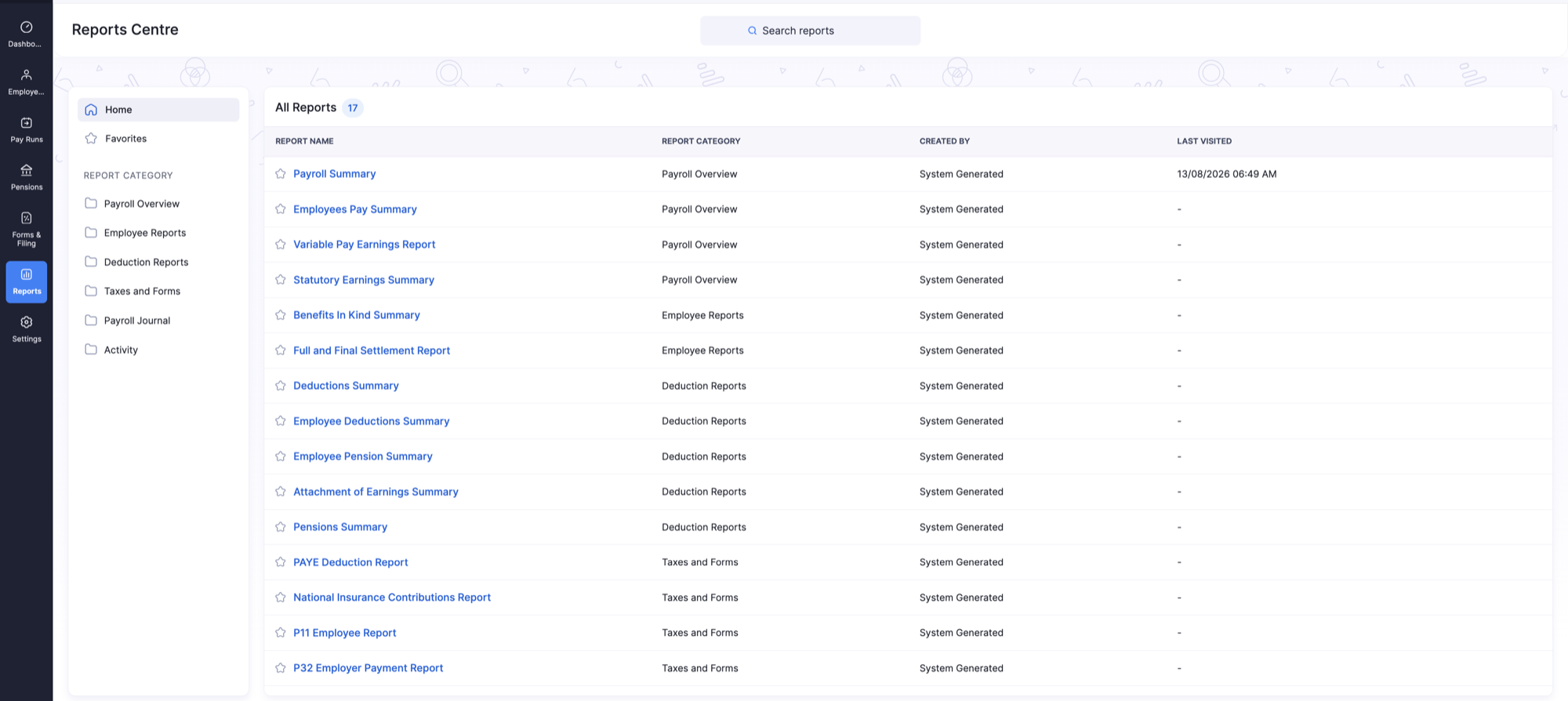
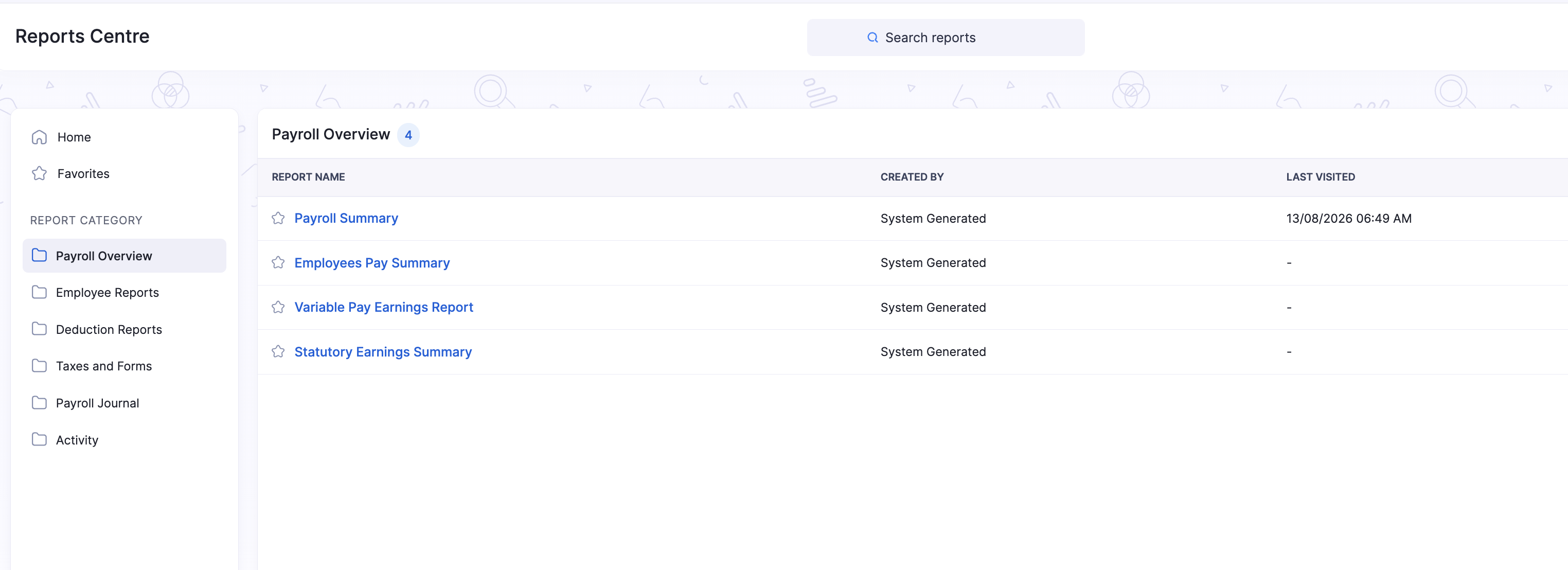
The Reports module opens the Reports Centre, where you can search, favour, and run reports for payroll overview, employees, deductions, taxes and forms, journals, and activity.
Find and open a report
- Click Reports on the left sidebar.
- Use Search reports, or browse by category in the left pane (Payroll Overview, Employee Reports, Deduction Reports, Taxes and Forms, Payroll Journal, Activity).
- Click a report name to open it, then set filters and click Run Report.
You can also open a category folder (for example Payroll Overview) to see only the reports in that group.
Favourites
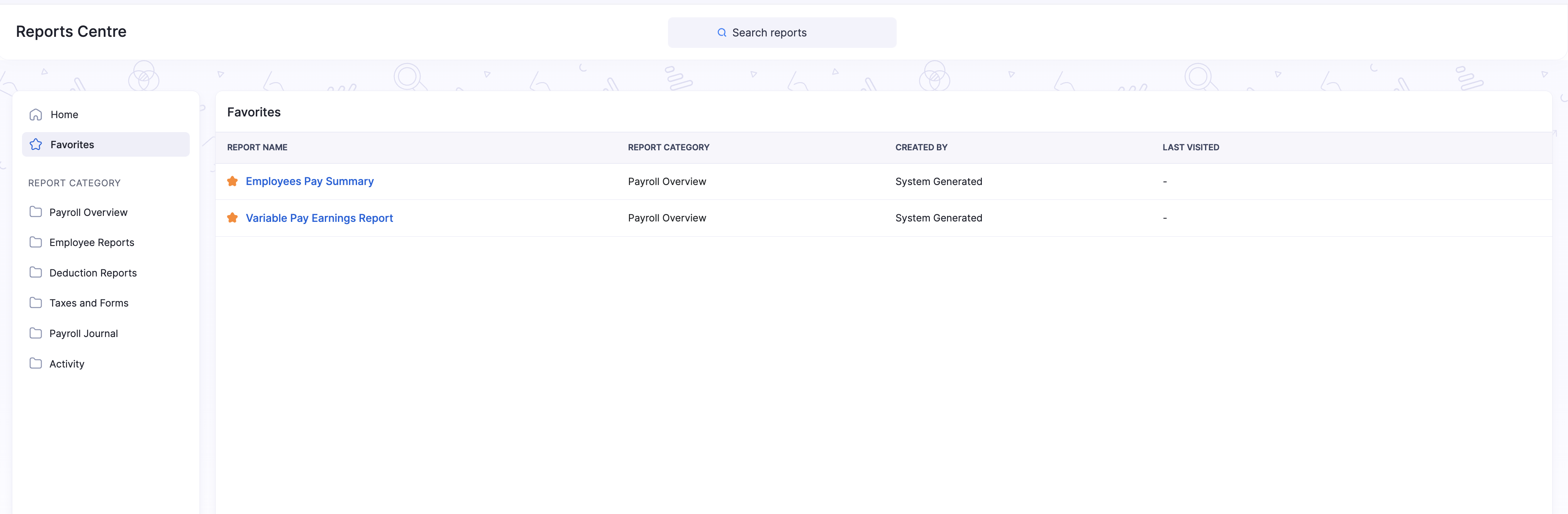
Click the star next to a report name to mark it as a favourite, or remove it from favourites. Open Favorites in the left pane to see only starred reports.
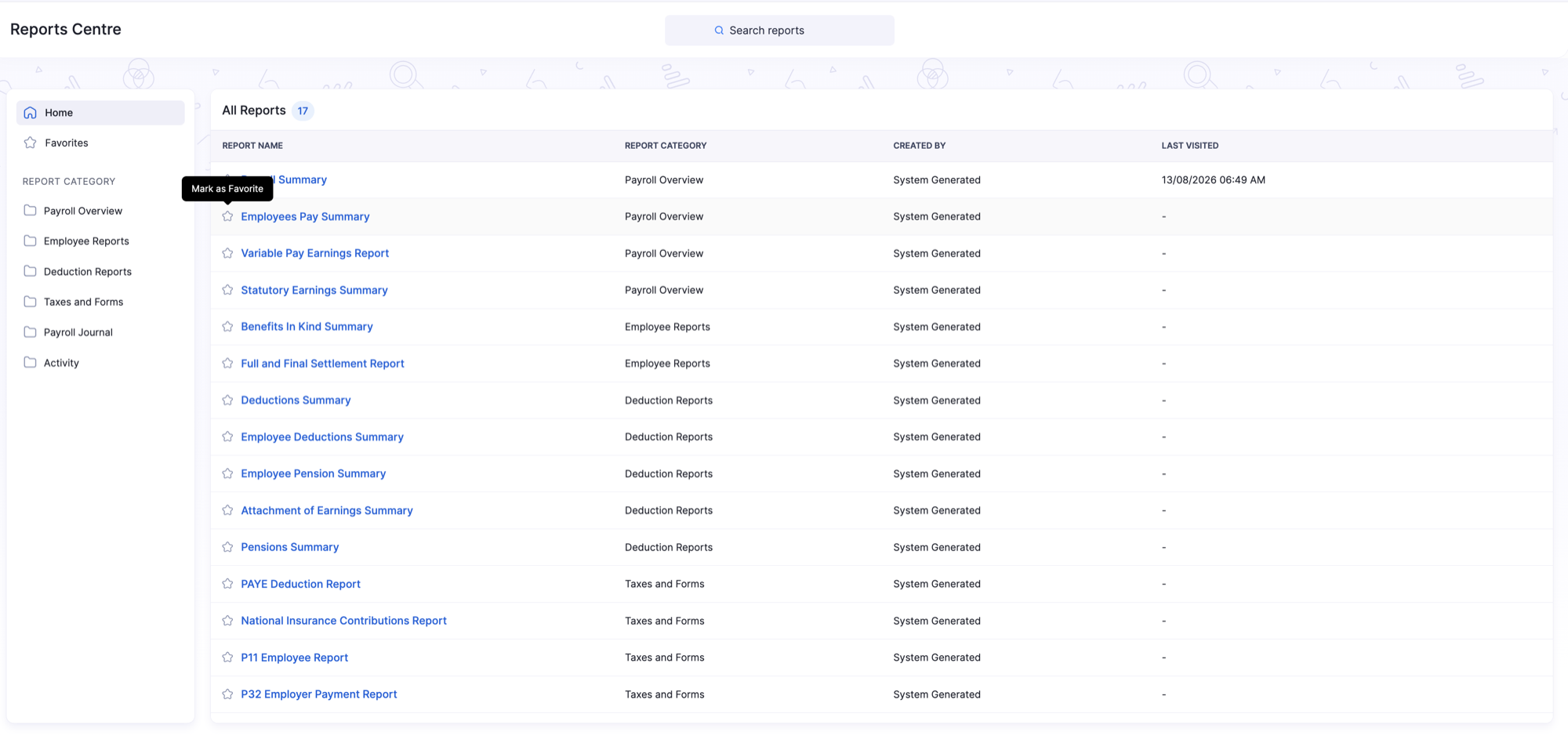
Reports available in Zoho Payroll (UK)
| Category | Reports |
|---|---|
| Payroll Overview | Payroll Summary, Employees Pay Summary, Statutory Earnings Summary |
| Employee Reports | Benefits in Kind Summary, Full and Final Settlement Report |
| Deduction Reports | Deductions Summary, Employee Deductions Summary, Employee Pension Summary, Attachment of Earnings Summary, Pensions Summary |
| Taxes and Forms | PAYE Deduction Report, National Insurance Contributions Report |
| Payroll Journal | Payroll Journal Summary |
| Activity | Activity Logs |
Dedicated help for Variable Pay Earnings Report, P11 Employee Report, and P32 Employer Payment Report will be added later. Those reports still appear in the Reports Centre and use the same filter, schedule, and export options described below.
Filter, compare, schedule, and export
These options appear on most analytic reports (for example Payroll Summary and Employees Pay Summary).
Date range and more filters
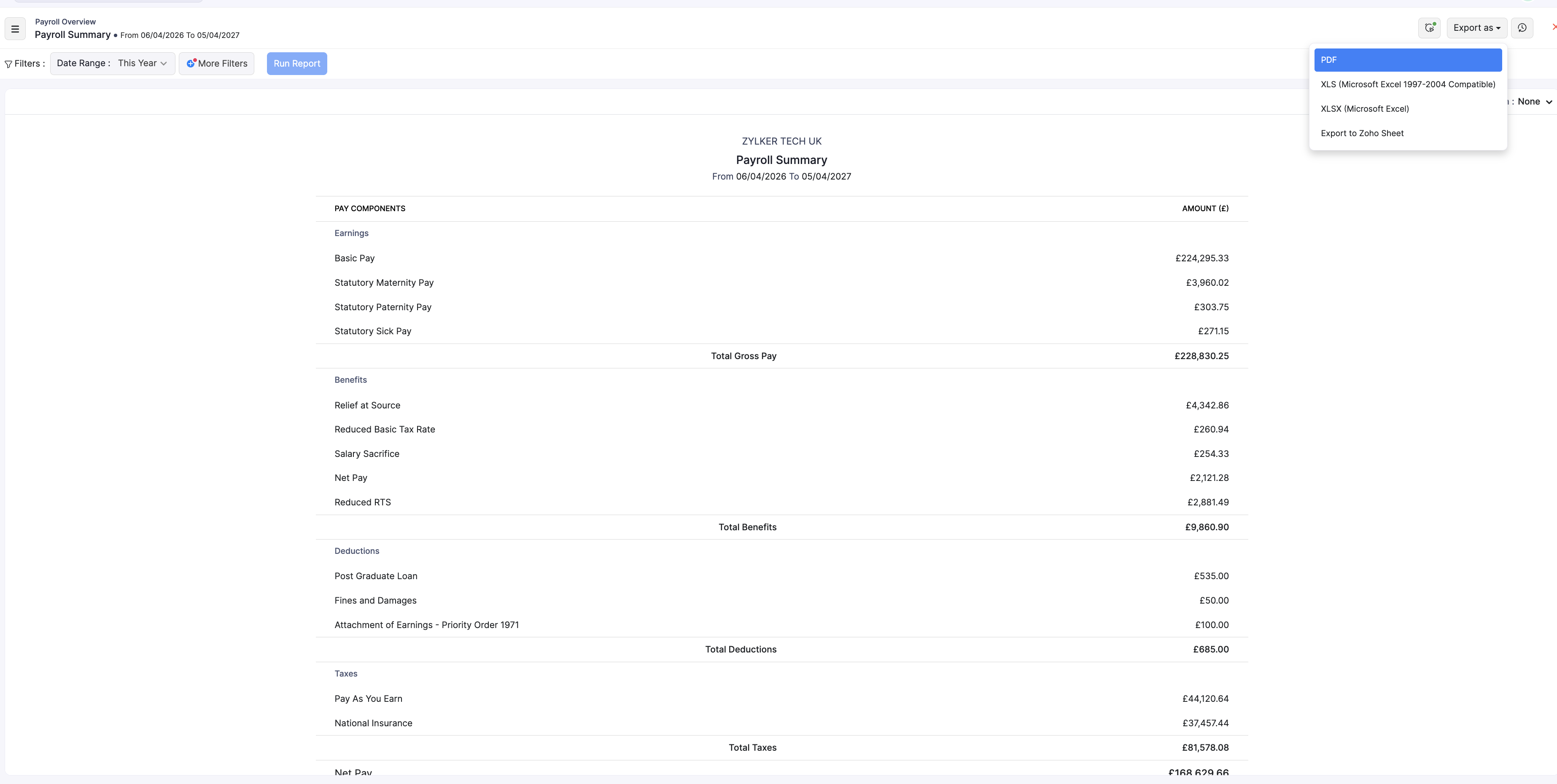
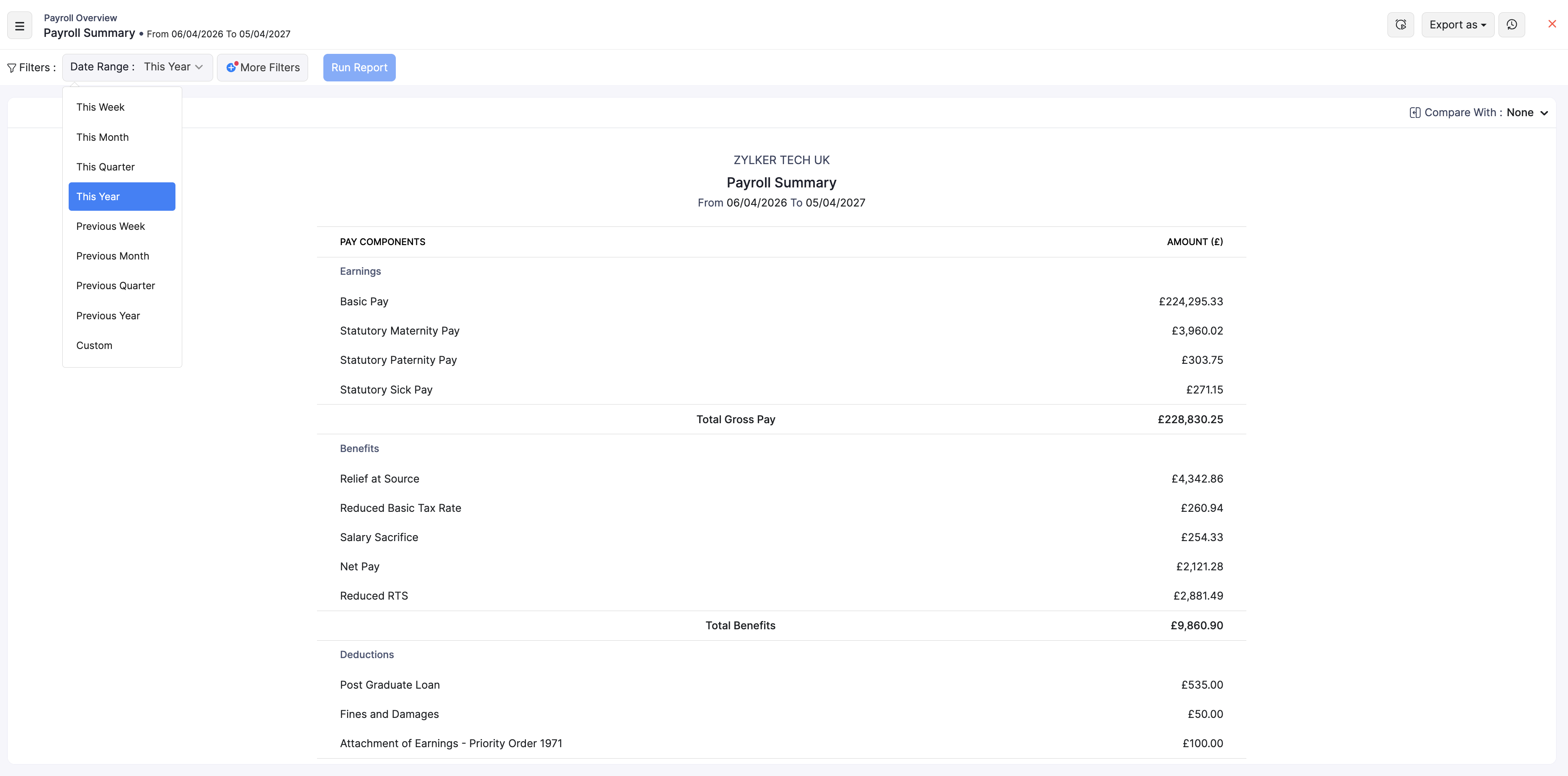
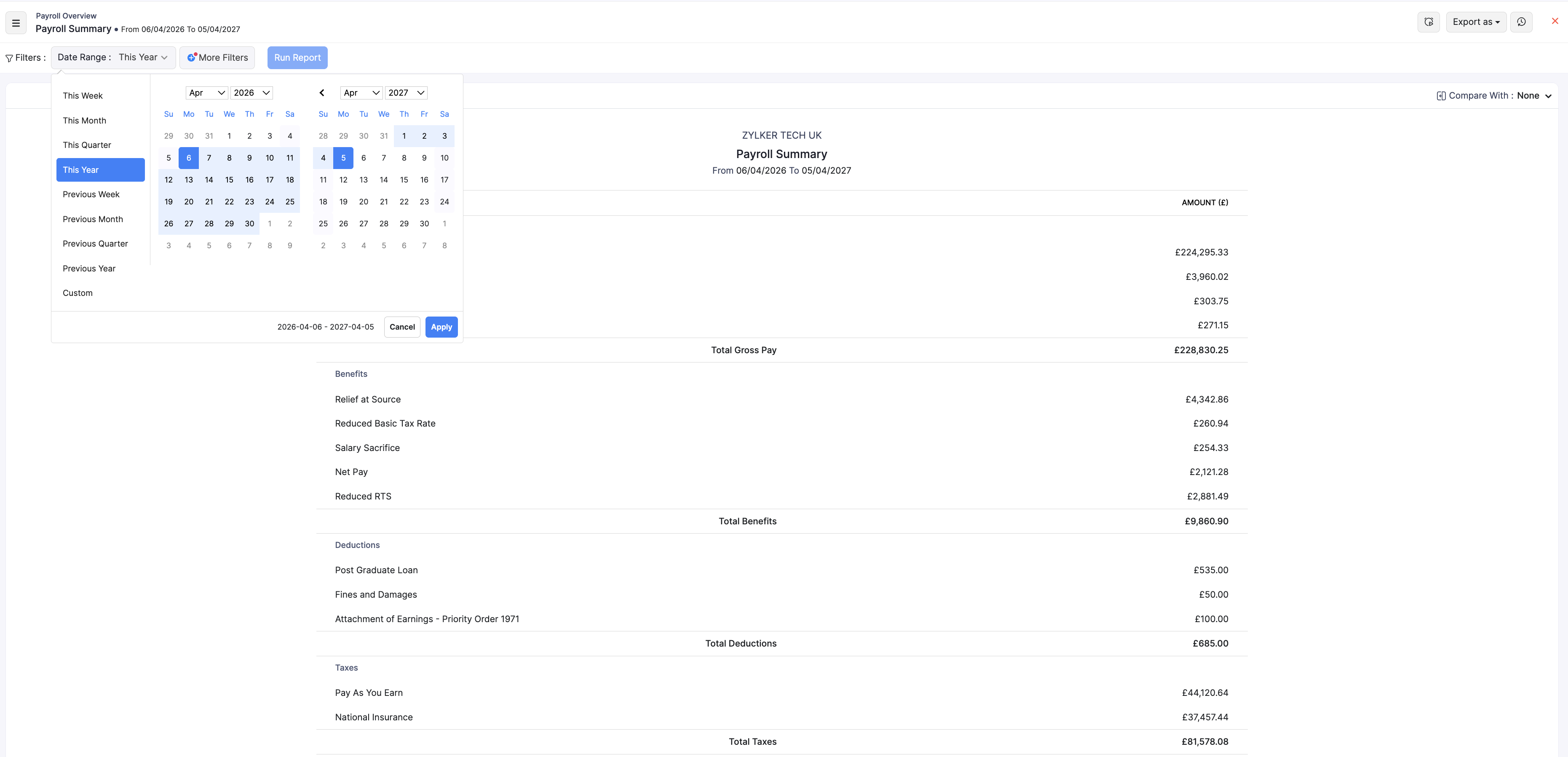
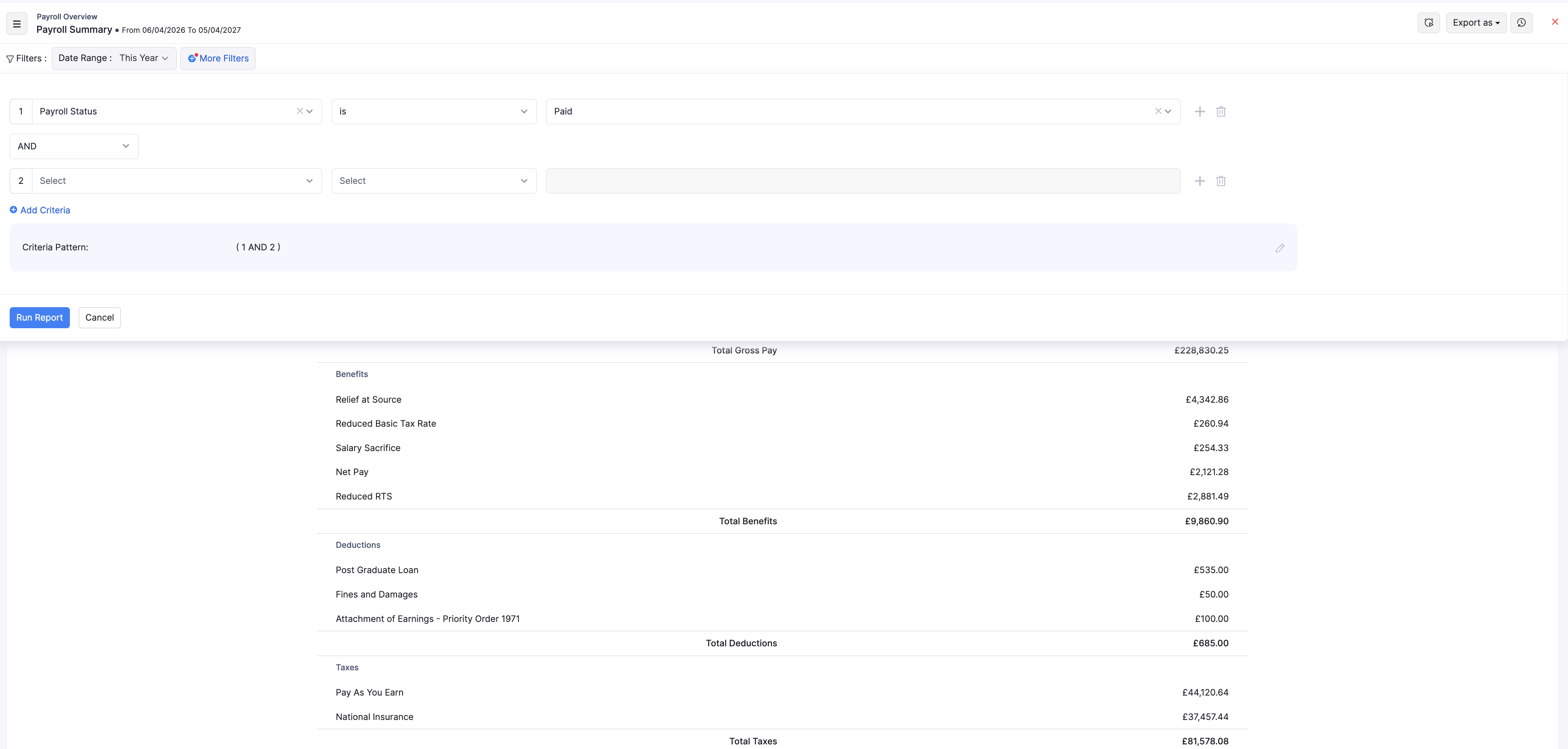
Use Date Range presets (such as This Year or This Month) or a custom range, then click Run Report. Use + More Filters to narrow by fields such as payroll status or department.
Compare with
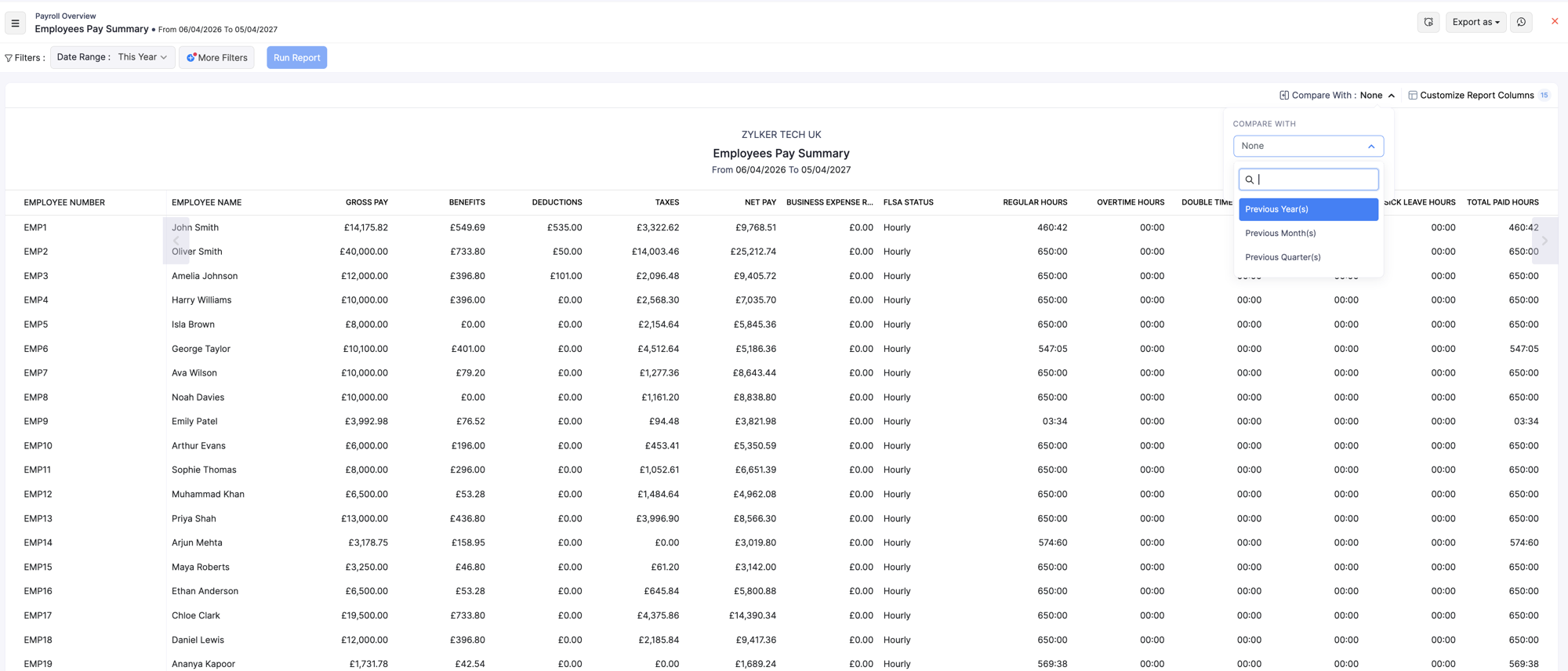
Use Compare With to contrast the current period with a previous year, month, or quarter when the report supports it.
Schedule a report
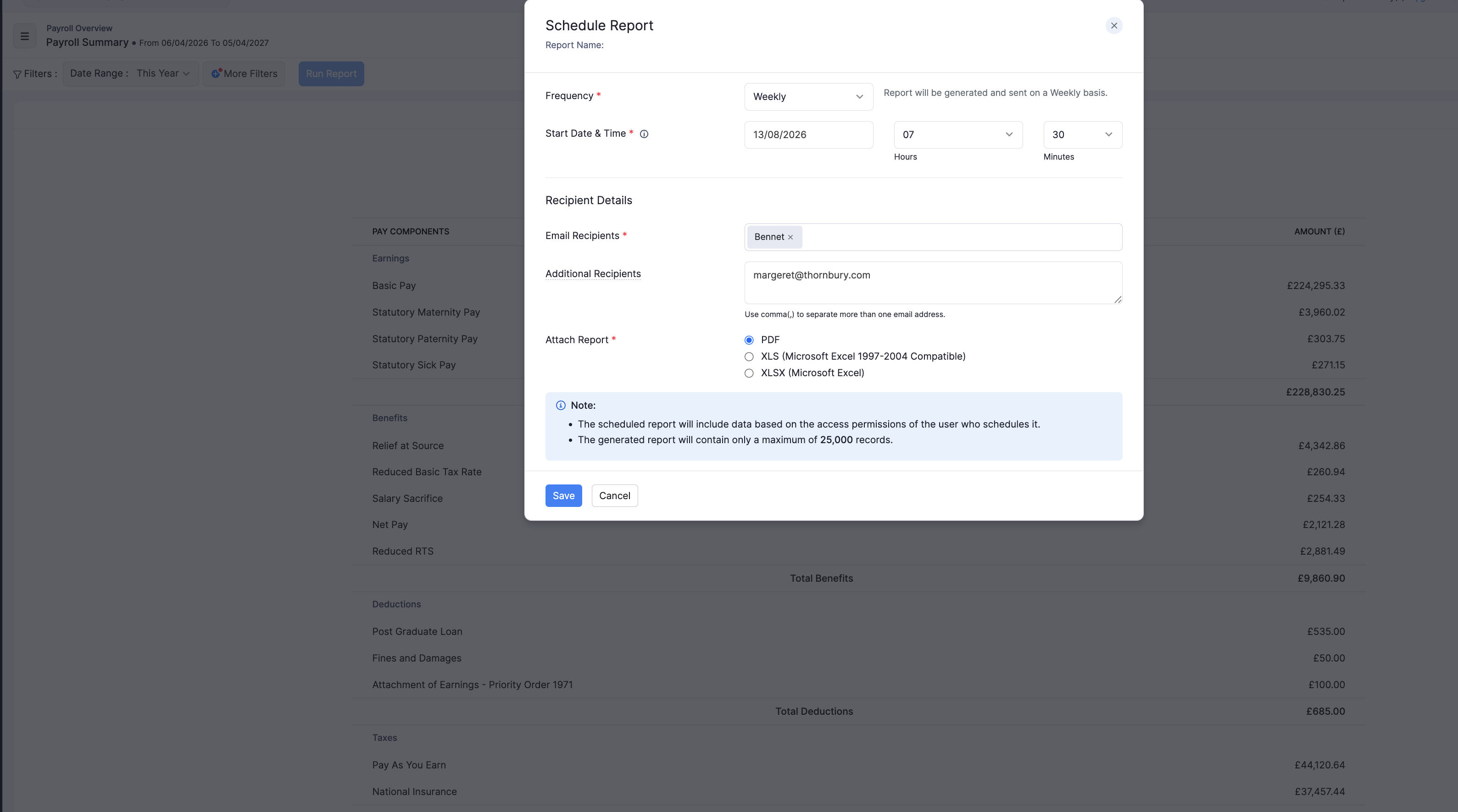
Open the schedule option on the report to send it on a Weekly, Monthly, Quarterly, or Yearly cadence to selected recipients, in formats such as PDF, XLS, or XLSX (CSV where available).
Export a report
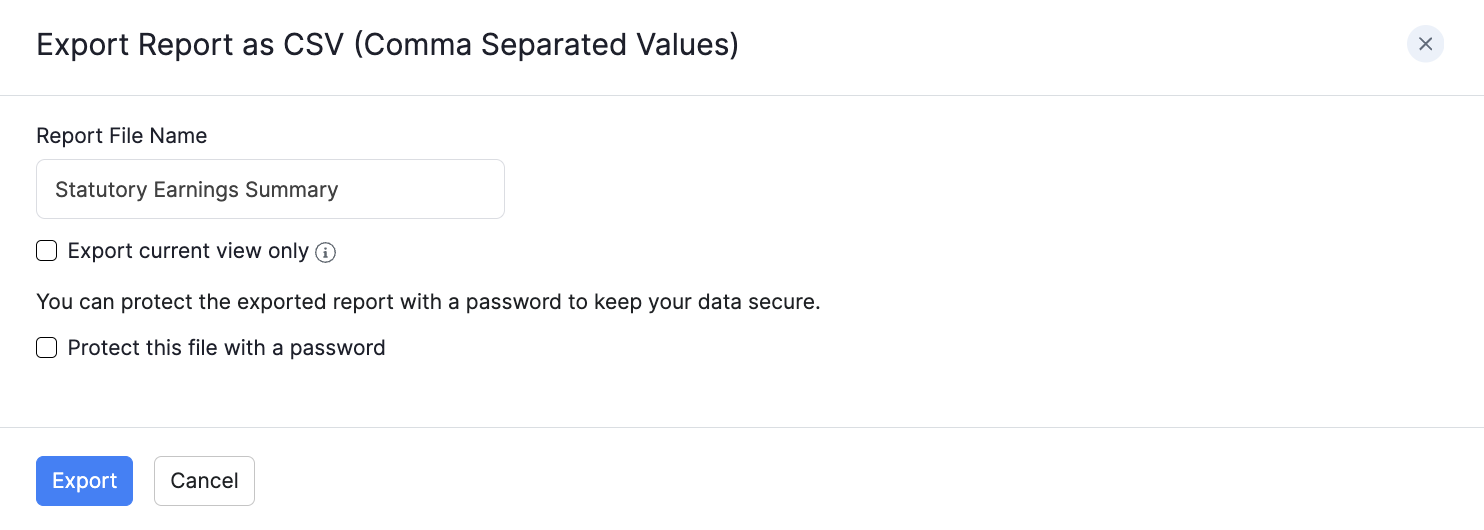
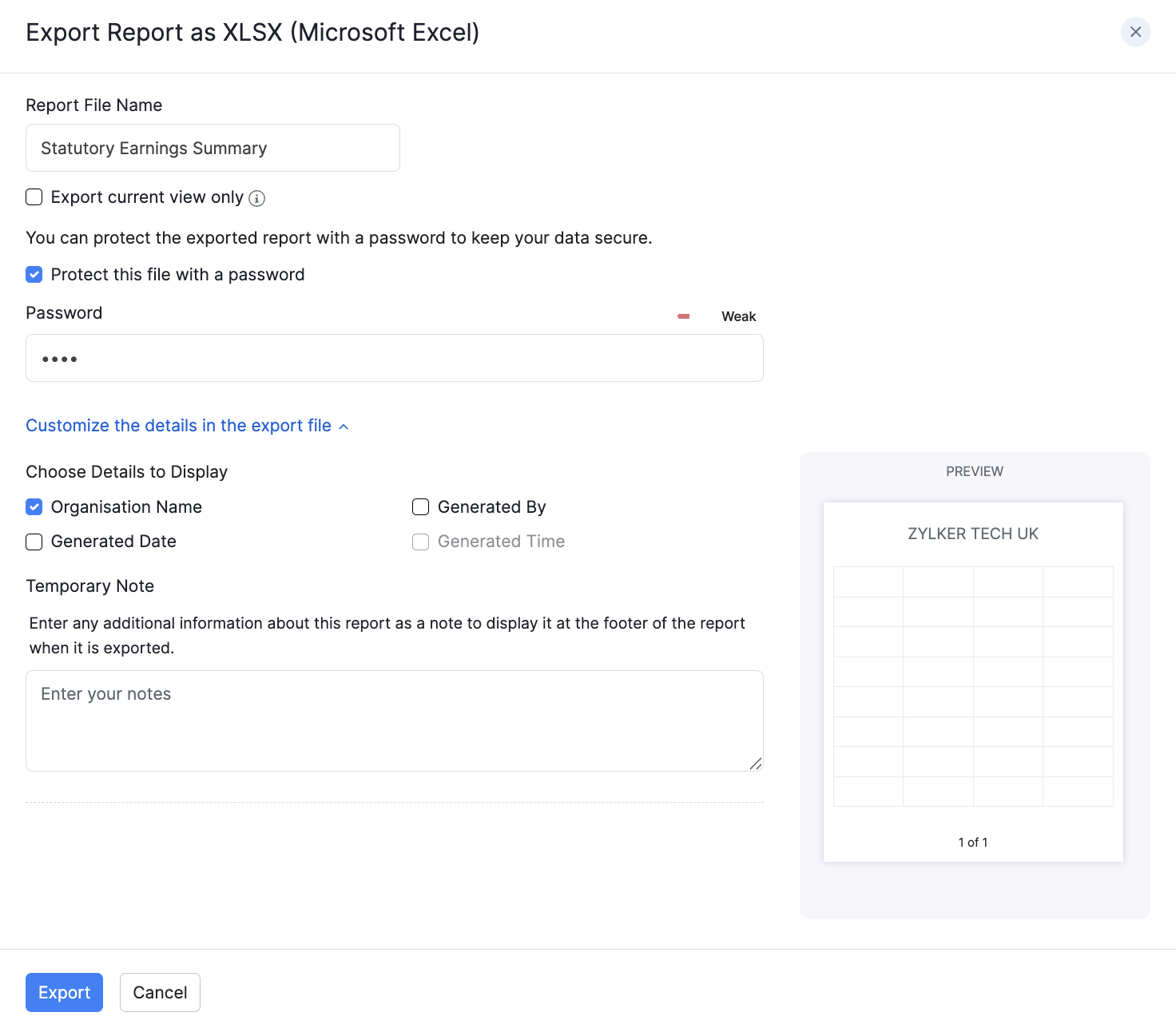
Click Export as and choose PDF, CSV (where available), XLS, XLSX, or Zoho Sheet. You can protect supported exports with a password of at least 6 characters.