
Add Employees

Adding employees is an essential Getting Started step. Zoho Payroll uses each employee’s details to calculate pay, deduct PAYE tax and National Insurance, and generate payslips.
Add an employee from Getting Started
- On the Getting Started page, click Complete Now next to Add Employees. You are taken to the Employees module.
- Click Add Employee, or click + Add at the top right.
- Complete each step in the Add Employee flow:
- Basic Details
- Salary
- Personal Details
- Tax Details
- Payment Details
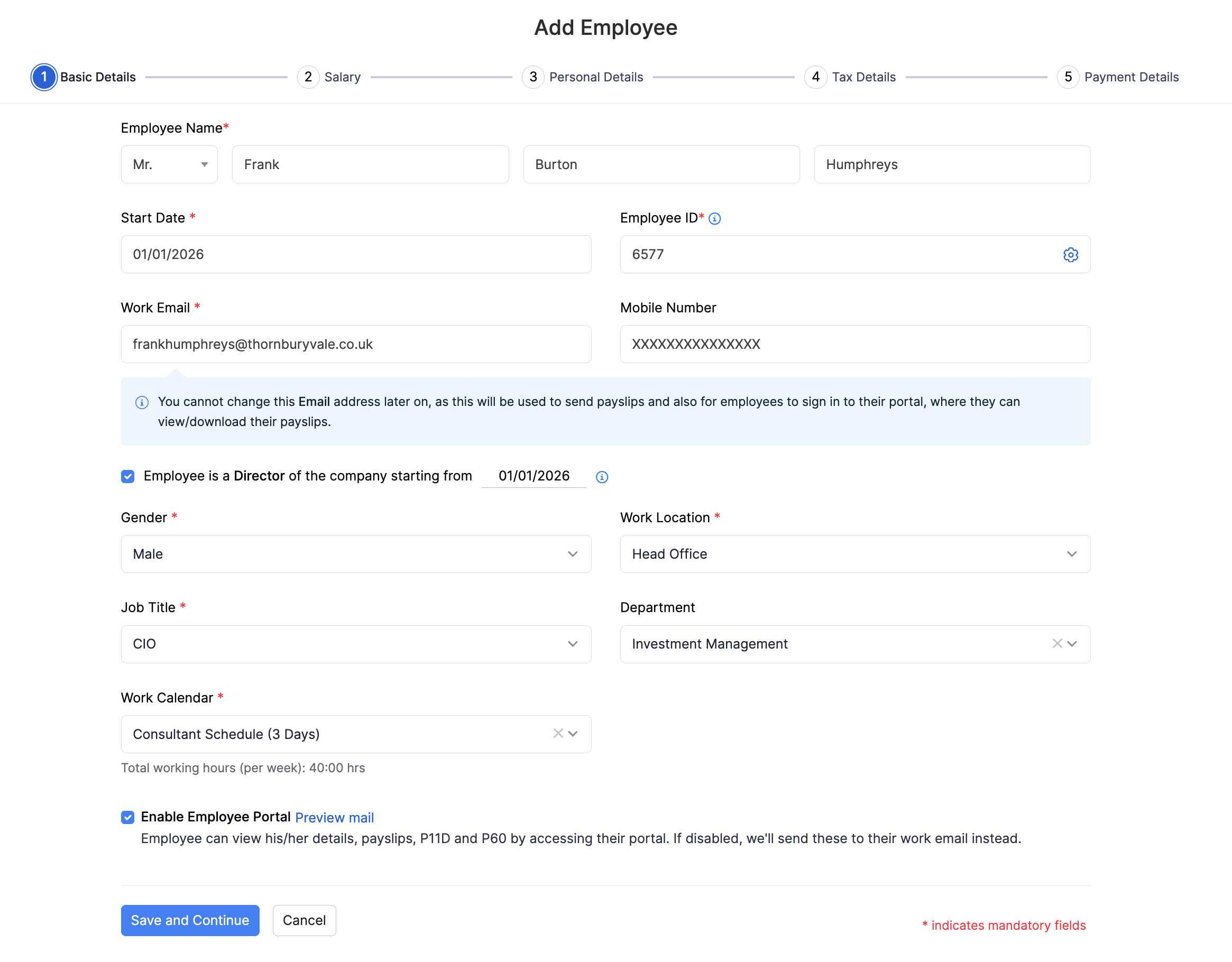
For the full field list, Benefits in Kind, deductions, starter declaration, and payment modes, refer to Add Employees.
After you finish Payment Details, the employee profile is created. You can also invite the employee to the Employee Portal during Basic Details so they can view payslips, P11D, and P60 online.