
Employee Pension Summary

The Employee Pension Summary report lists pension contribution totals for each employee in the selected period.
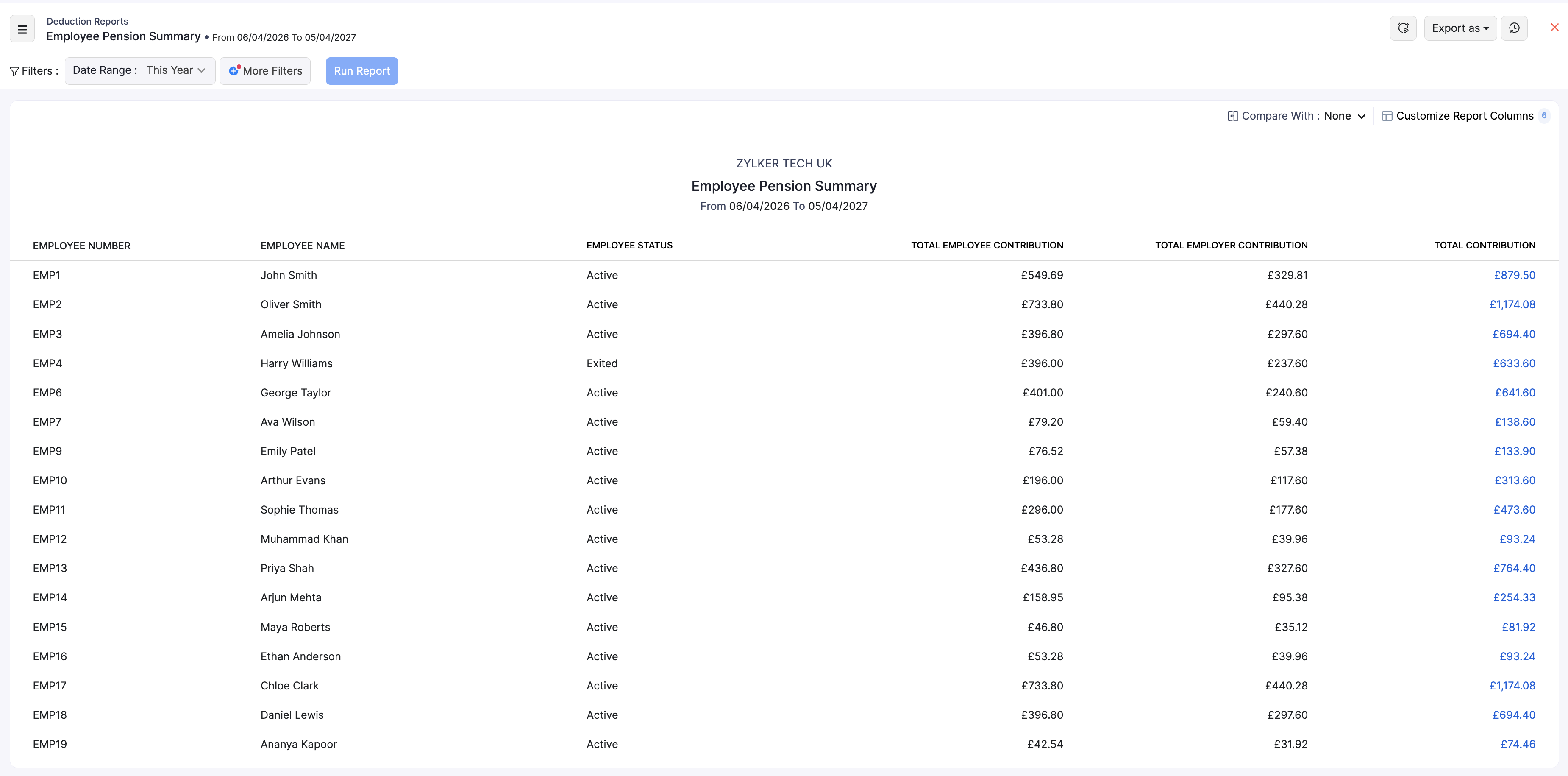
View the report
- Go to Reports on the left sidebar.
- Under Deduction Reports, open Employee Pension Summary.
- Set the Date Range, then click Run Report. Use the filter, compare, schedule, and export options described below.
What the report shows
| Column | Description |
|---|---|
| Employee Number | The employee’s number in Zoho Payroll. |
| Employee Name | The employee’s name. |
| Employee Status | Whether the employee is active, former, or another status shown in the report. |
| Total Employee Contribution | Pension amount deducted from the employee. |
| Total Employer Contribution | Employer pension contribution for the employee. |
| Total Contribution | Combined employee and employer pension contributions. |
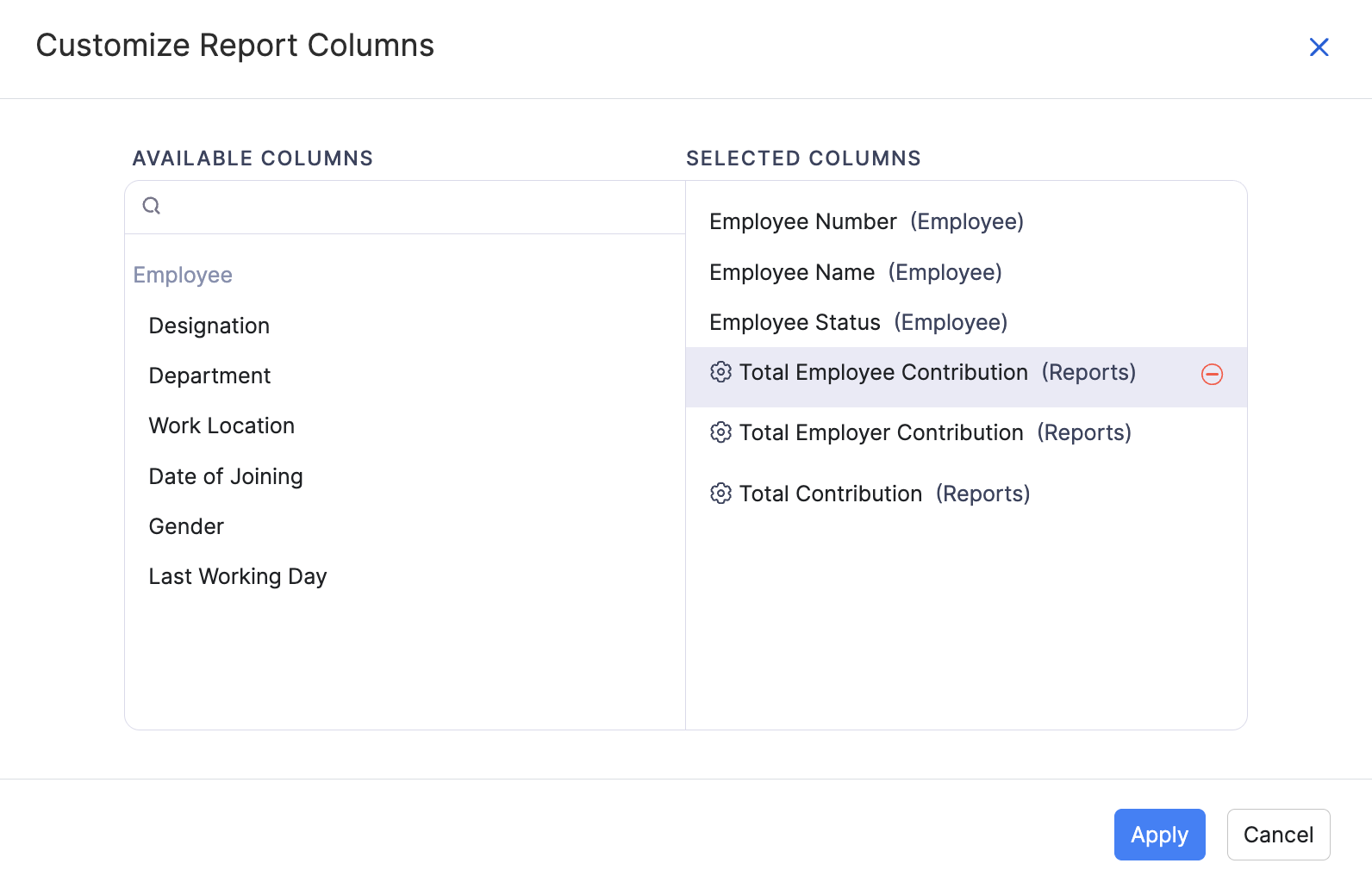
Use Customize Report Columns to show or hide columns.
Filter, compare, schedule, and export
After you open this report, you can refine the period, narrow results, schedule report emails, or download the data. For a list of all the reports, see Reports Centre.
Date range and more filters
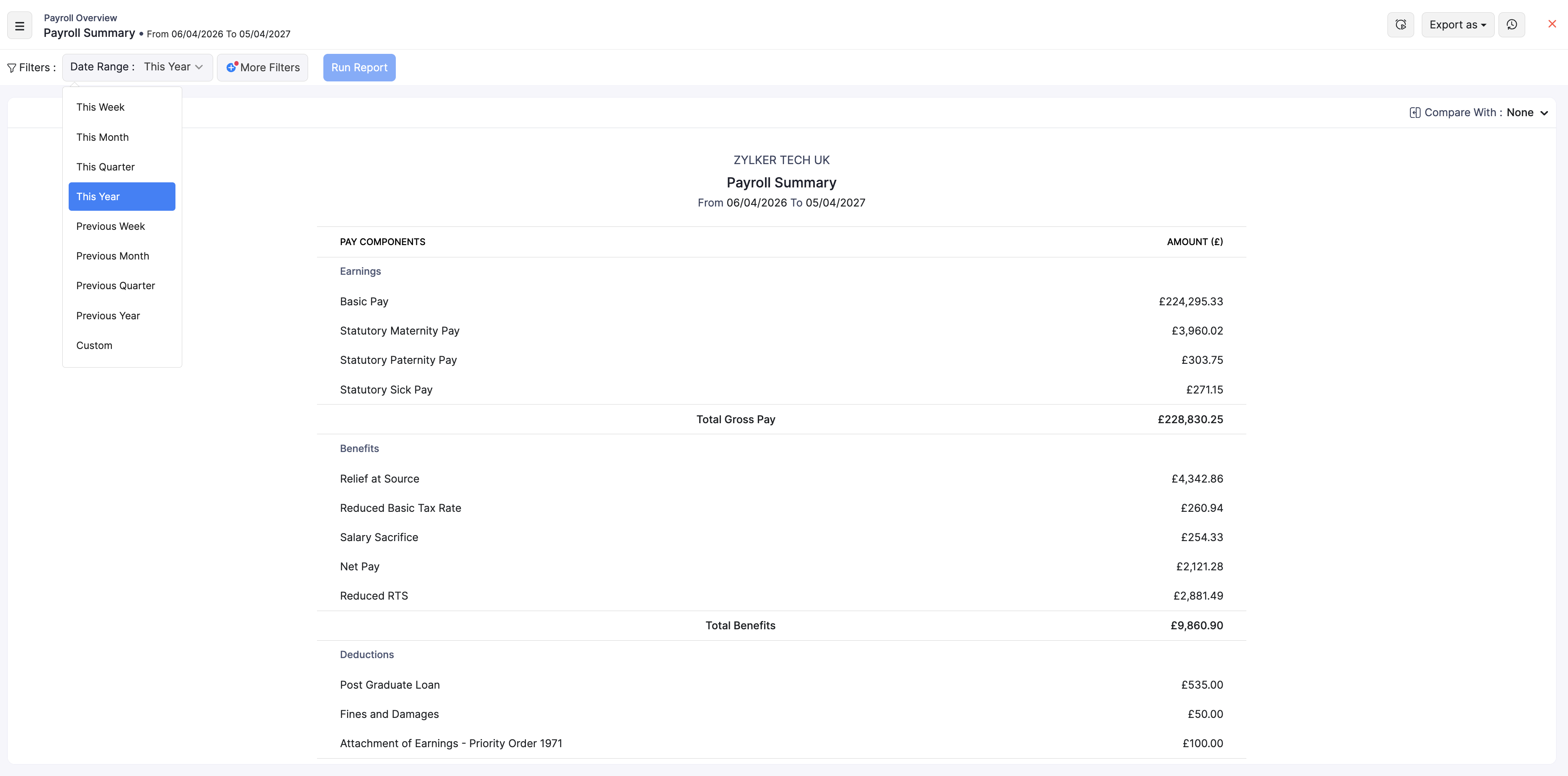
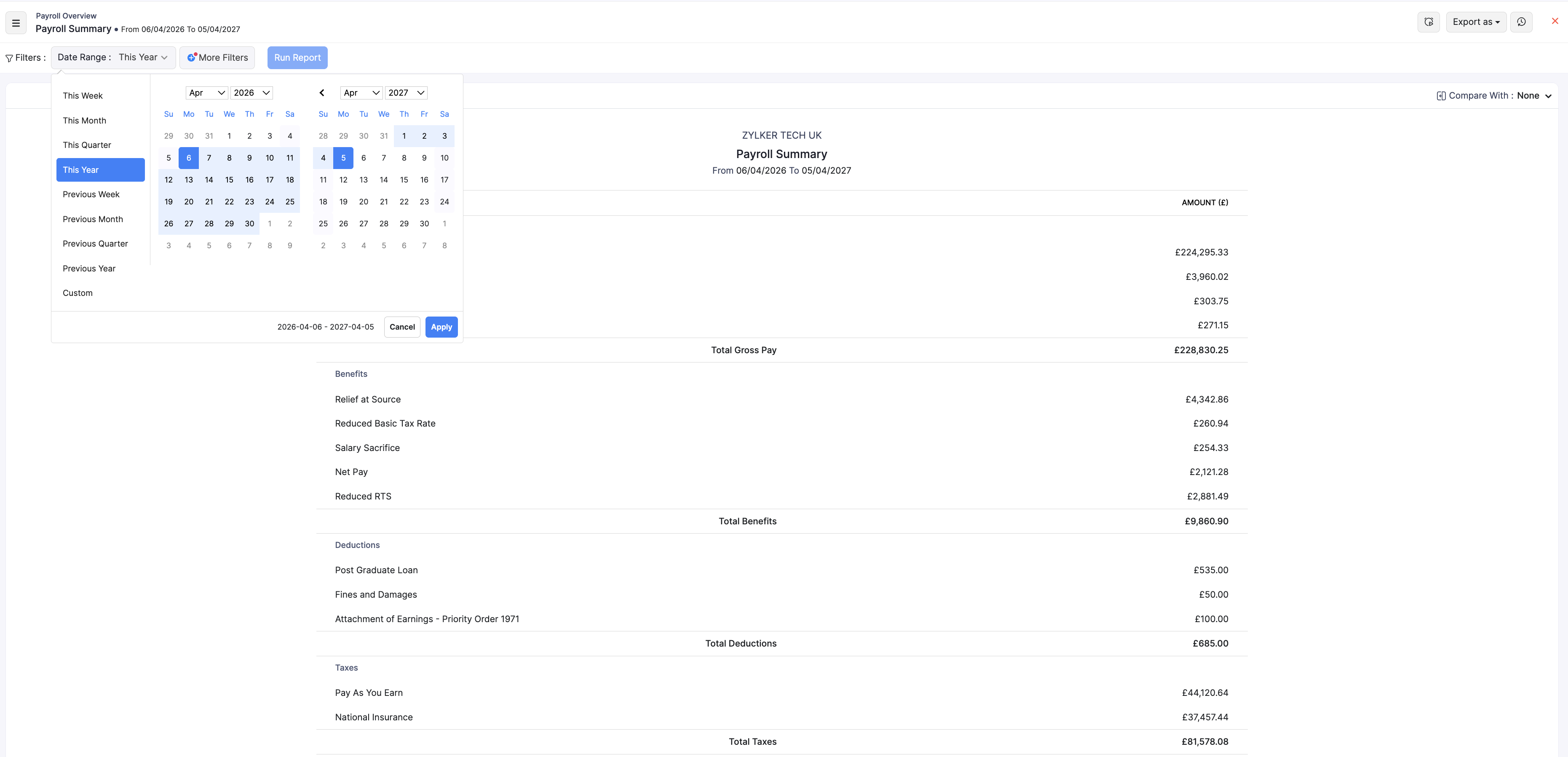
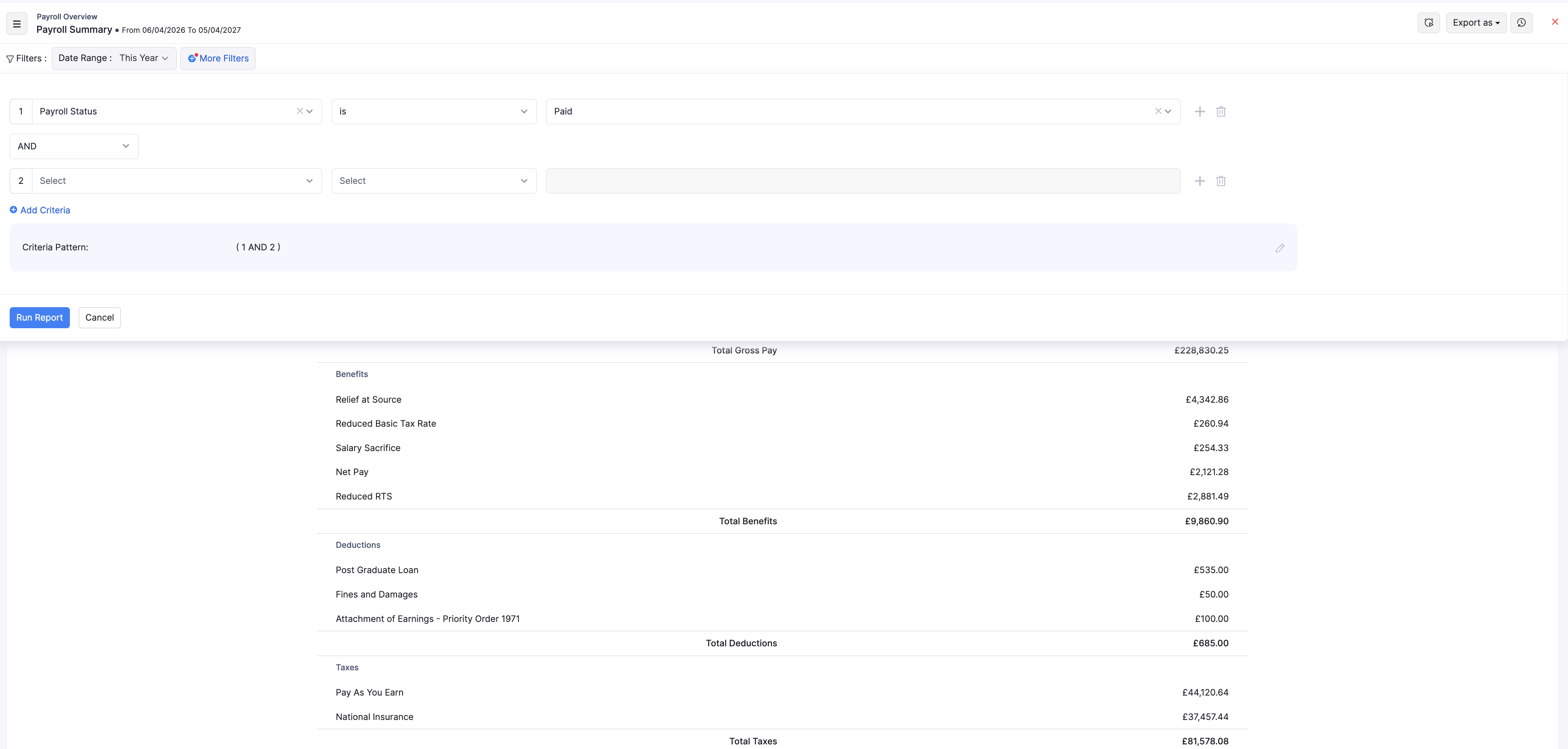
- Choose a Date Range preset (for example This Year, This Month, or Previous Month), or select Custom and pick start and end dates.
- Optional: click + More Filters to narrow by fields such as payroll status, department, or work location.
- Click Run Report to refresh the results.
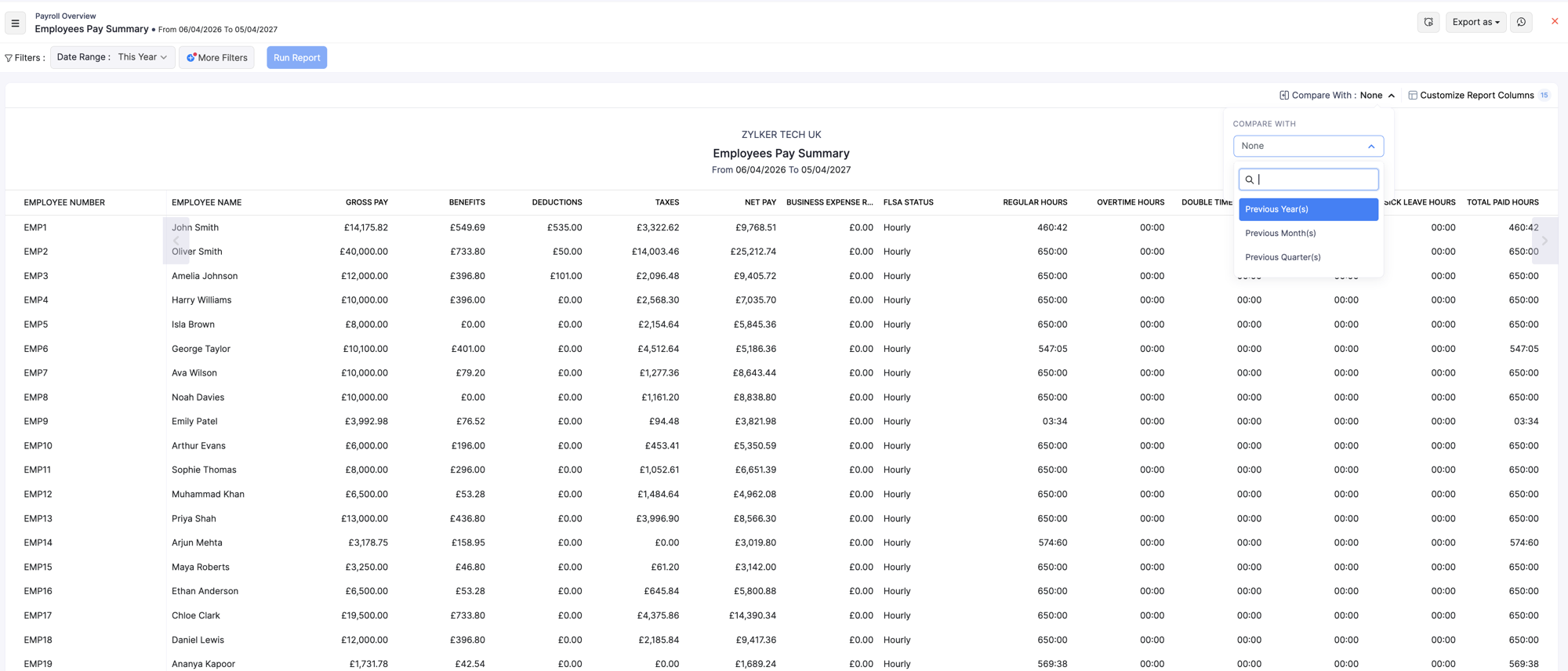
Compare with
If the report shows Compare With, choose a previous year, month, or quarter to contrast with the current period, then click Run Report again.
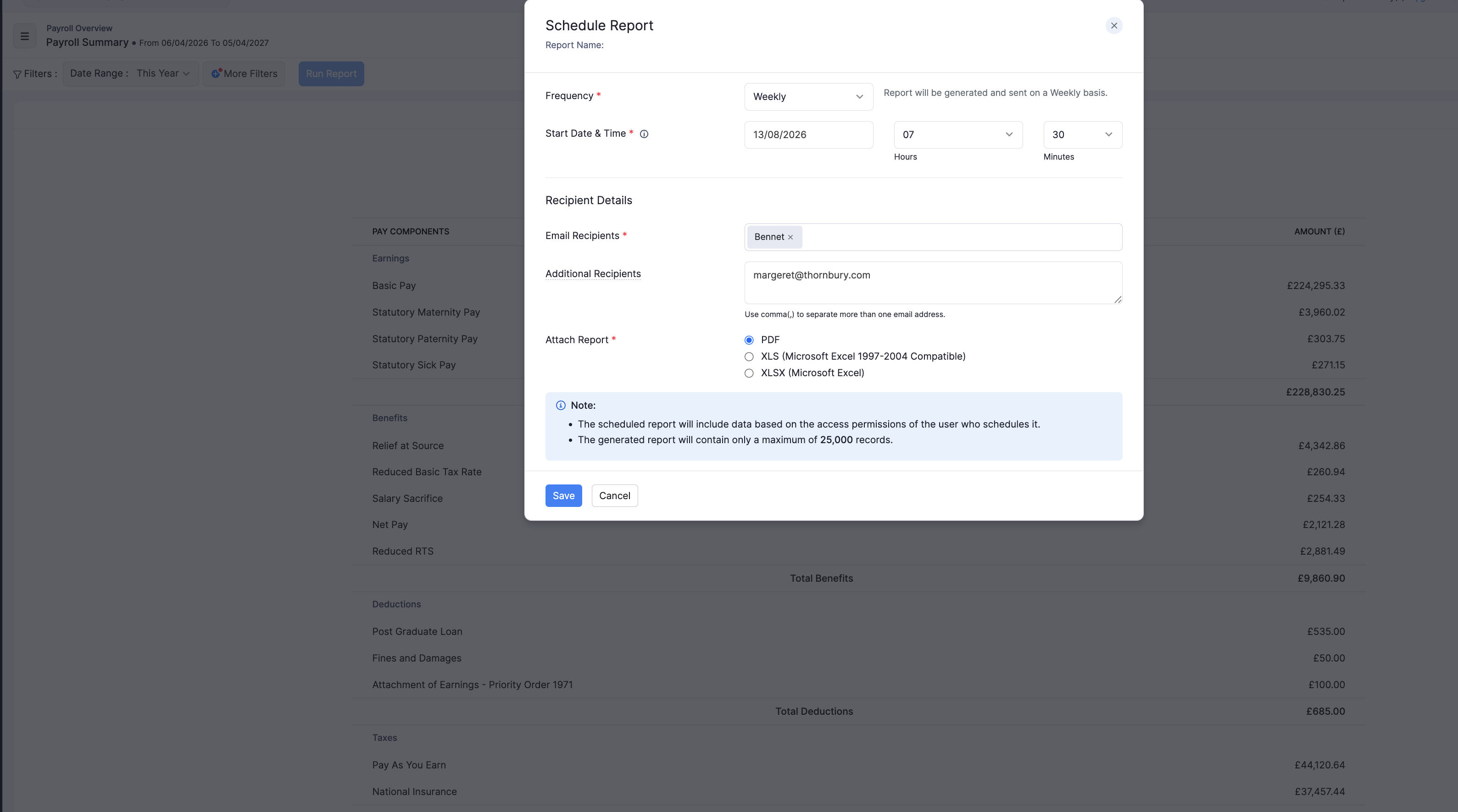
Schedule the report
- Open the schedule option on the report.
- Choose how often to send it (Weekly, Monthly, Quarterly, or Yearly).
- Add recipients and the file format (PDF, XLS, XLSX, or CSV where available).
- Save the schedule.
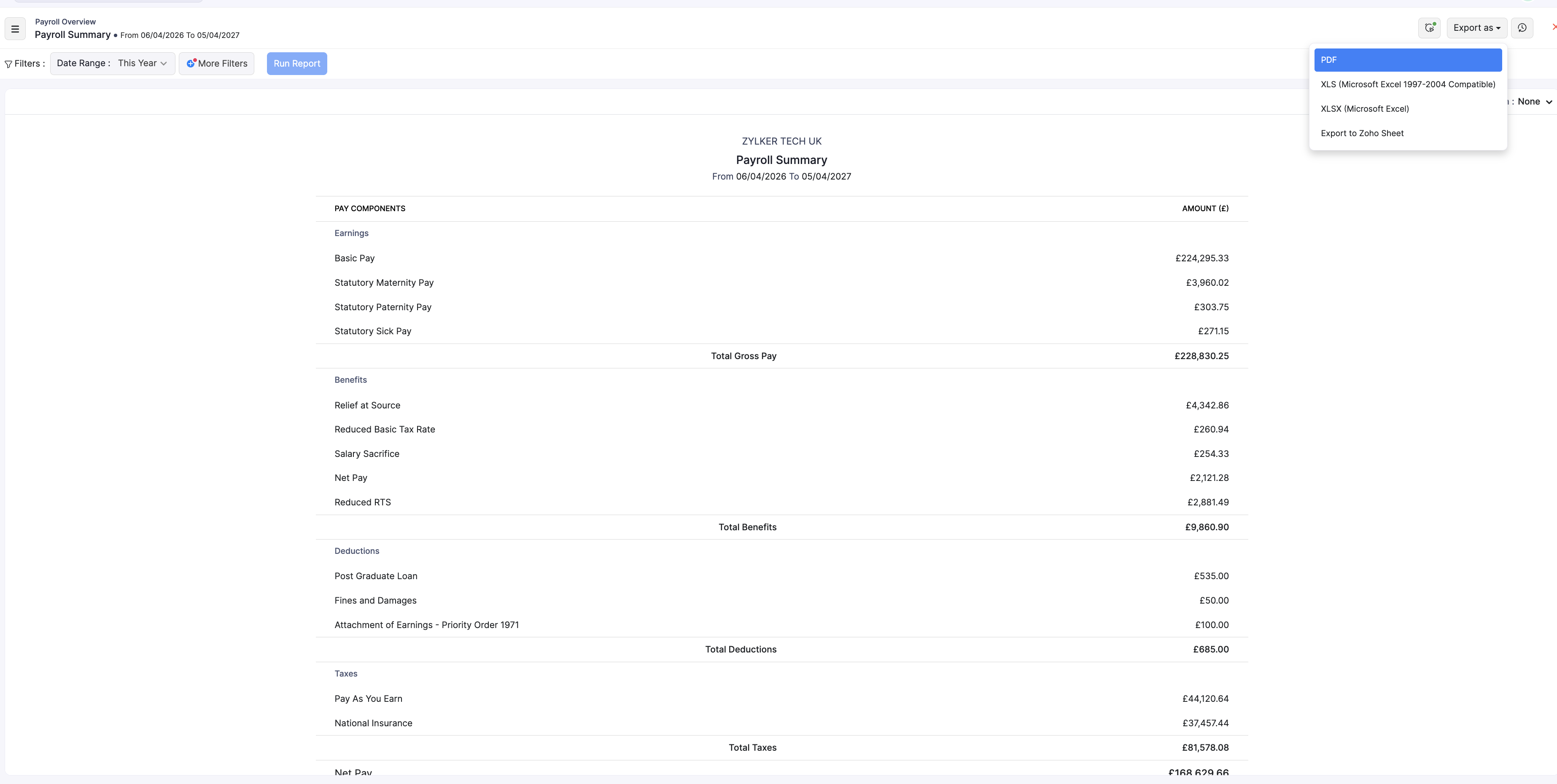
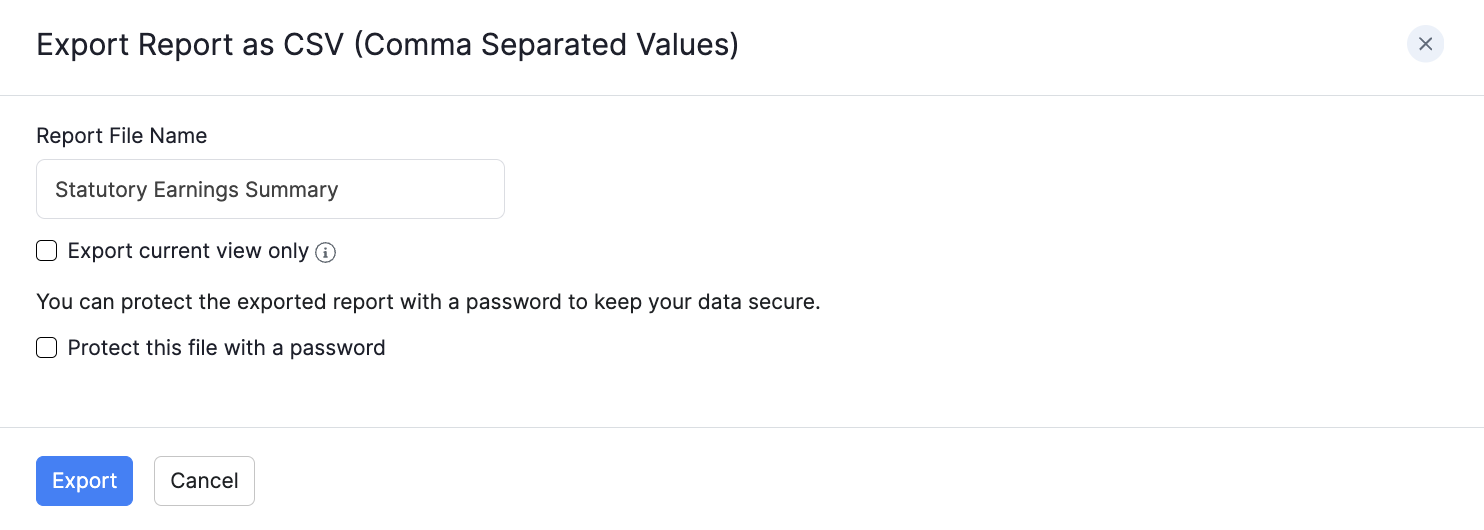
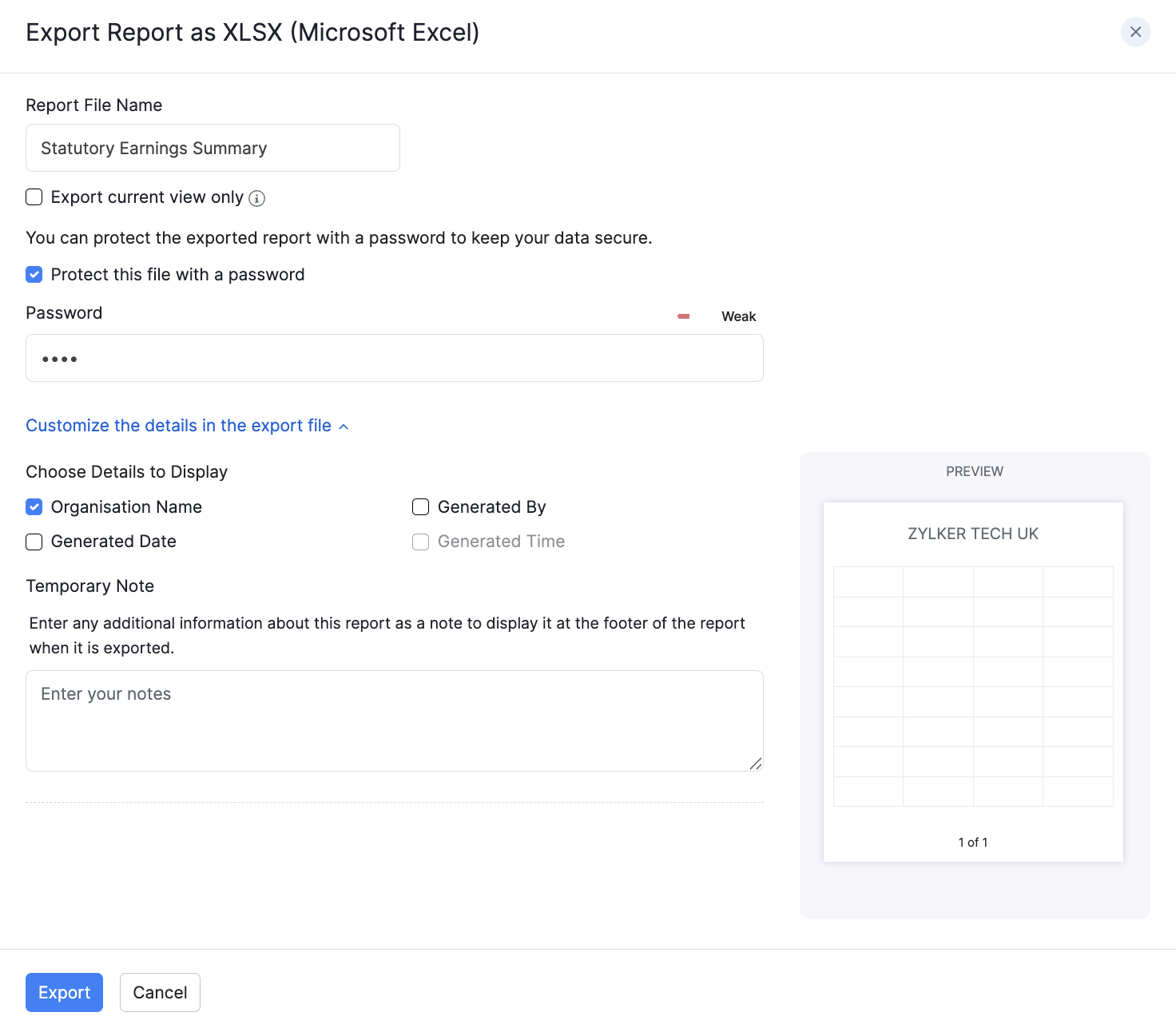
Export the report
- Click Export as.
- Choose PDF, CSV (where available), XLS, XLSX, or Zoho Sheet.
- Optional: select Protect this file with a password and enter a password of at least 6 characters.
- Click Export.
For pension setup, see Pensions.